Download AURIX Core Product
Get started with Aurix today — download the platform, explore flexible subscription plans and experience a smarter way to get things done.
Windows
Windows 10 & 11 (64-bit)
macOS
macOS 11+ (Intel & Apple Silicon)
Linux
Ubuntu 20.04+ & Debian
Before you install
System Requirements
- Minimum 4GB RAM (8GB recommended)
- 10GB free disk space
- Internet connection for setup
- Processor: Intel/AMD/Apple Silicon (2018+)
Three quick steps
Installation Instructions
1Download Aurix
- Click Download for Windows on the Aurix website.
- Save aurixlauncher.exe to your PC.
2Run the Installer
- Double-click aurixlauncher.exe.
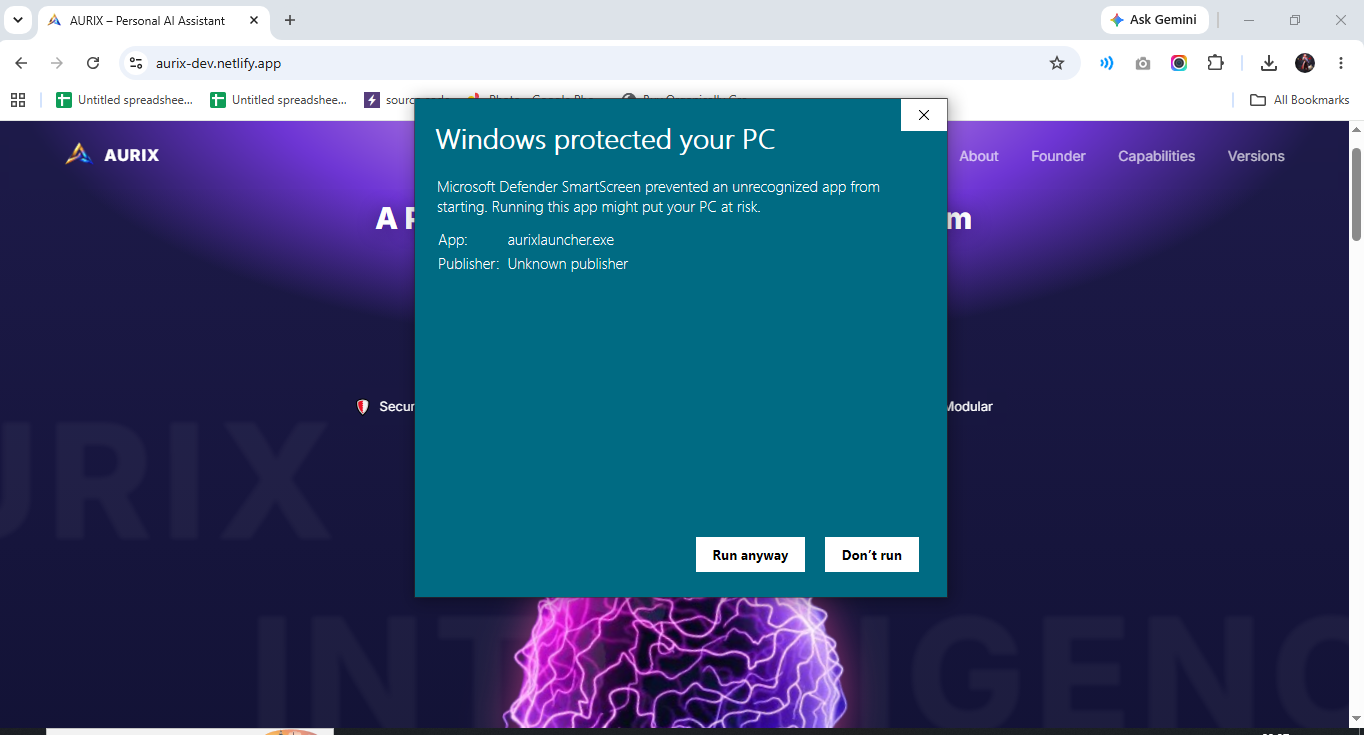
- If Windows shows Windows protected your PC, click More info, then Run anyway.
3Complete Installation
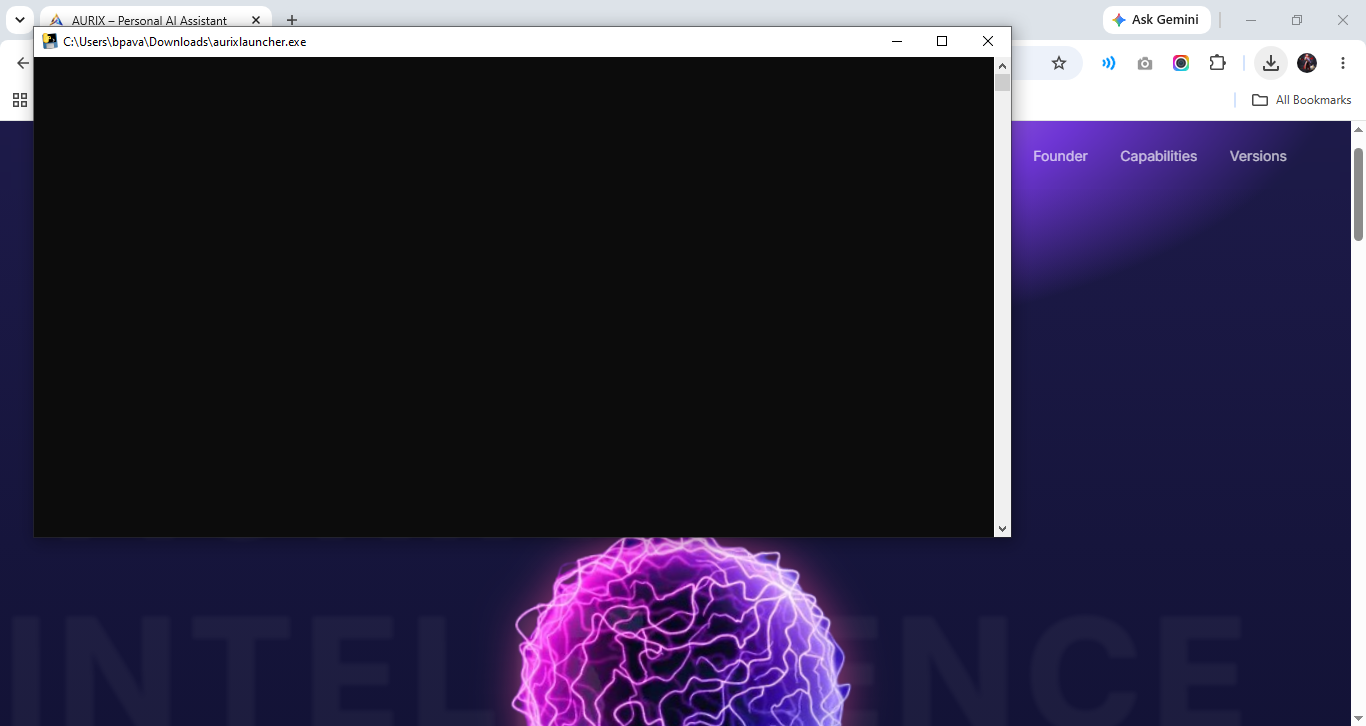
- Aurix Launcher will automatically download and install the required files.
- Wait for the setup to finish.
- Launch Aurix from the Desktop shortcut or Start Menu.